
 Internal Revenue Service (IRS)
Schedule SE (Form 1040) — Fill Online
Self-Employment Tax
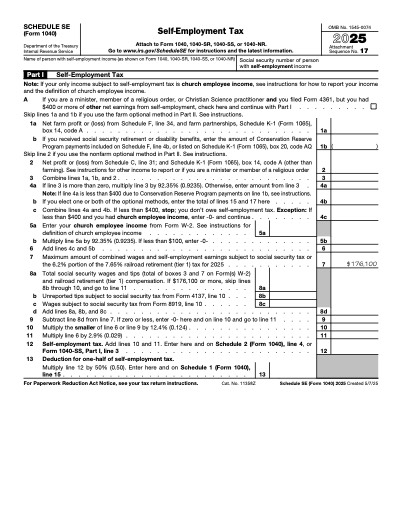
Calculate the Social Security and Medicare tax you owe on net earnings from self-employment.
Fill it in your browser, download when you're done.
Filling costs nothing. The completed PDF is $5 per download, or $50/year for unlimited downloads on every tool.
Who needs Schedule SE (Form 1040)?
Anyone with $400 or more of net self-employment earnings.
How it works
- 1Open the form. Open Schedule SE (Form 1040) — the official Internal Revenue Service (IRS) PDF is loaded in your browser.
- 2Fill in your details. Click any field and type. Check boxes, drop-downs and dates work like the paper form.
- 3Download the completed PDF. Pay $5 once for the download, or use a yearly membership.
Your details are secure: the form is filled entirely in your browser and nothing you type is uploaded or stored.
Blank form source: Internal Revenue Service (IRS). PDFUp is not affiliated with or endorsed by any government agency and does not provide legal or tax advice.
Frequently asked questions
Schedule SE (Form 1040)
The combined rate is 15.3% on net earnings up to the Social Security wage base and 2.9% above it, before certain deductions.