
 Internal Revenue Service (IRS)
Form W-9 — Fill Online
Request for Taxpayer Identification Number and Certification
Give your taxpayer identification number (TIN) to a business that will pay you as a contractor or freelancer.
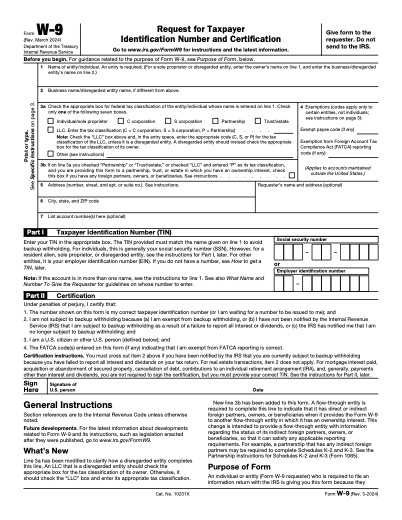
Fill it in your browser, download when you're done.
Filling costs nothing. The completed PDF is $5 per download, or $50/year for unlimited downloads on every tool.
Who needs Form W-9?
U.S. citizens, resident aliens and U.S. entities who are asked for a TIN by a client, bank or payer.
How it works
- 1Open the form. Open Form W-9 — the official Internal Revenue Service (IRS) PDF is loaded in your browser.
- 2Fill in your details. Click any field and type. Check boxes, drop-downs and dates work like the paper form.
- 3Download the completed PDF. Pay $5 once for the download, or use a yearly membership.
Your details are secure: the form is filled entirely in your browser and nothing you type is uploaded or stored.
Blank form source: Internal Revenue Service (IRS). PDFUp is not affiliated with or endorsed by any government agency and does not provide legal or tax advice.
Frequently asked questions
Form W-9
No. You give it to the person or business that requested it. They keep it for their records and use it to prepare information returns such as Form 1099.